

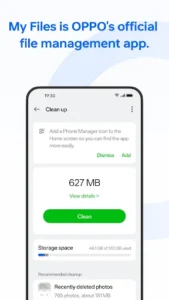
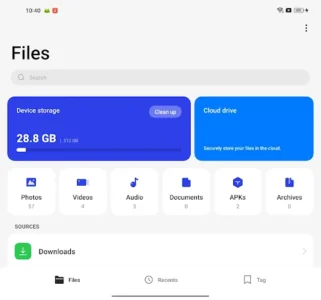
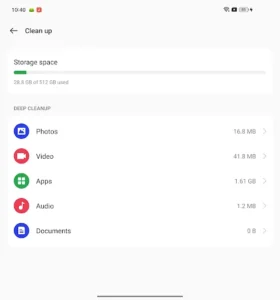
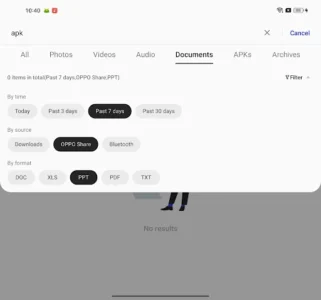

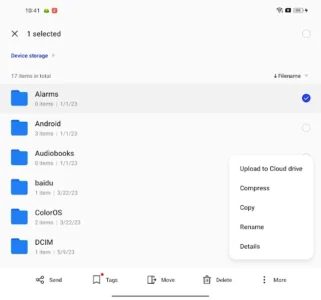
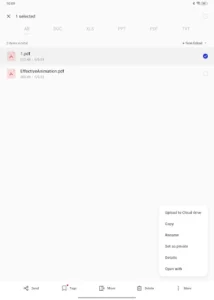
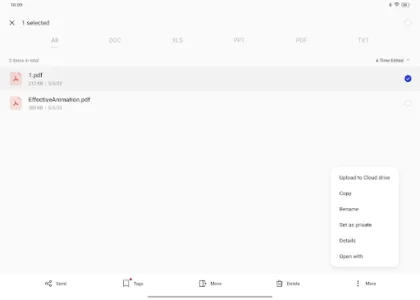
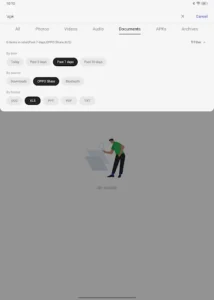
My Files is OPPO’s official file management app, designed to help users efficiently organize and interact with their device’s stored data. It provides smart categorization for various file types, including photos, videos, and documents, alongside robust search filters that allow users to quickly locate files by date, source, or format. Beyond simple browsing, the app enables users to manage installed applications, move files, create or delete folders, and access details about each item, offering comprehensive control over their device’s contents.
Organizing Your Files
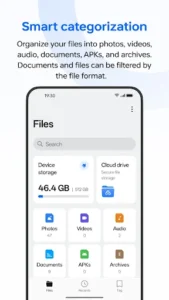
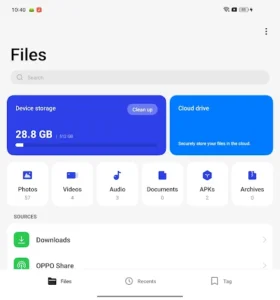
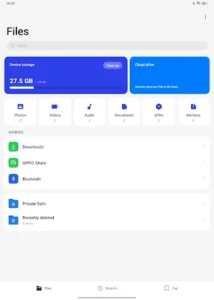
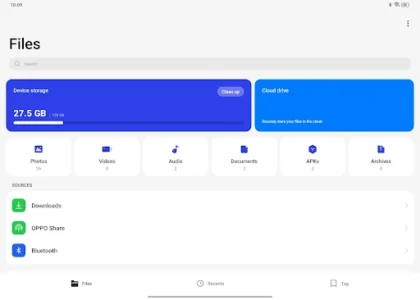
The app automatically sorts files into distinct categories such as photos, videos, audio, documents, APKs, and archives, simplifying the process of finding specific content. Users can further refine their view by filtering documents and other files based on their specific format, making it easier to navigate large collections of data.
Refined Search Functionality
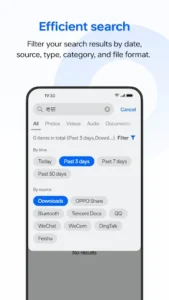
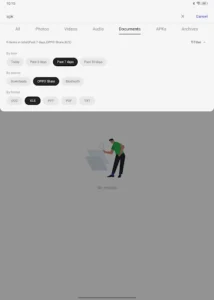
To help users quickly locate specific items, My Files incorporates an efficient search feature. This allows for precise filtering of search results using various criteria, including the date a file was created or modified, its source, general type, specific category, and even its exact file format.
Comprehensive Device Management
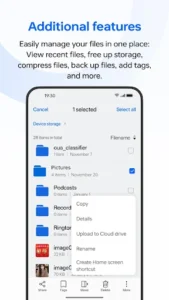
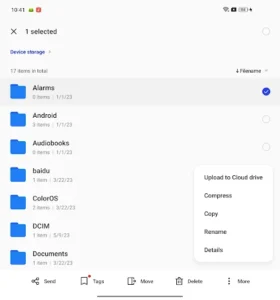
Users can exercise full control over their stored data, performing actions like moving files between locations, creating new folders, or deleting unneeded items. The app also allows users to check details for individual files and manage their installed applications directly from within the interface.
Storage Utilities
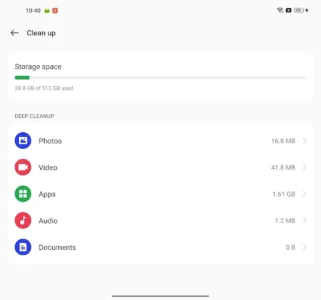
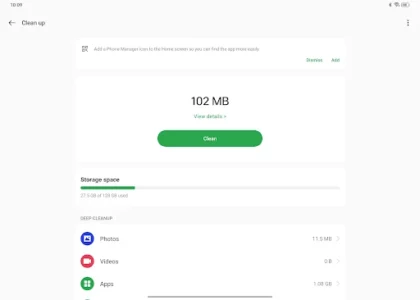
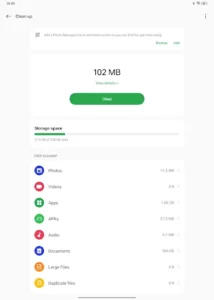
Beyond basic organization, the app provides tools to help manage device storage. Users can view recently accessed files, utilize features to free up storage space, compress files to reduce their footprint, and back up important data. The ability to add tags also helps in personalizing file organization.











Write a review